
Virtual Host Security Feature Description
Published: 2026-05-09
1. Hardware Firewall
(1) 金盾 Firewall.
Defends against DDoS attacks and CC attacks targeting servers. This is at the computer room/global level, and virtual hosts are not separately involved.
(2) 云盾 Protection.
Combined with the hardware firewall, it intercepts some attack injections through rule matching. It is built into the host with no separate function button.
2. Software Firewall
(1) WAF
Web application protection system, effectively blocks scanners, malicious spiders, PHPDDOS, SQL injection, XSS cross-site, WEBSHELL uploads, etc., filters malicious access, avoids sensitive website data leakage, and ensures website security and availability. Built into the host with no separate function button.
(2) CC Protection
Application-layer CC protection automatically analyzes access sources and frequency, automatically blocks IPs, and activates automatic defense when under attack. Built into the host, no separate function button.
3. Host Panel Features
File Management
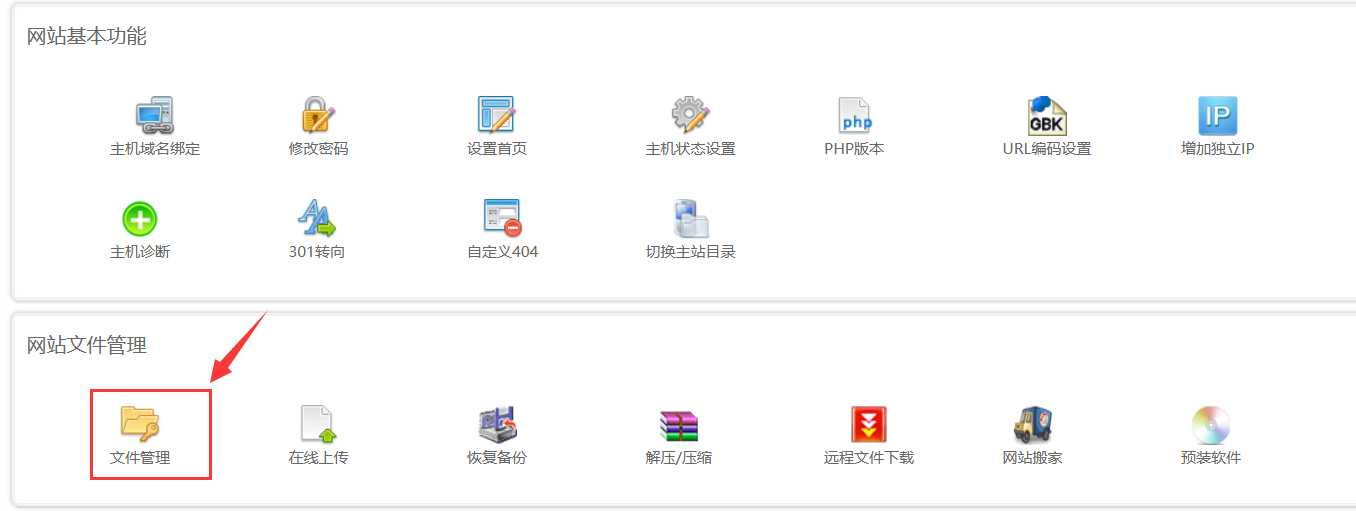
In the host control panel, click the File Management button to enter.
Read/Write Permissions:
Enter File Management, select the directory, and then click the Permission Settings button. You can set the directory to read-only or read/write permissions. If read-only is set, files in the selected directory cannot be written or modified. Usually, attachment directories and directories that need to write caches should be separately set to allow writing, otherwise website access may be affected. Then use Directory Protection and File Protection features together for security. For reference, see: https://www.west.cn/faq/list.asp?unid=733 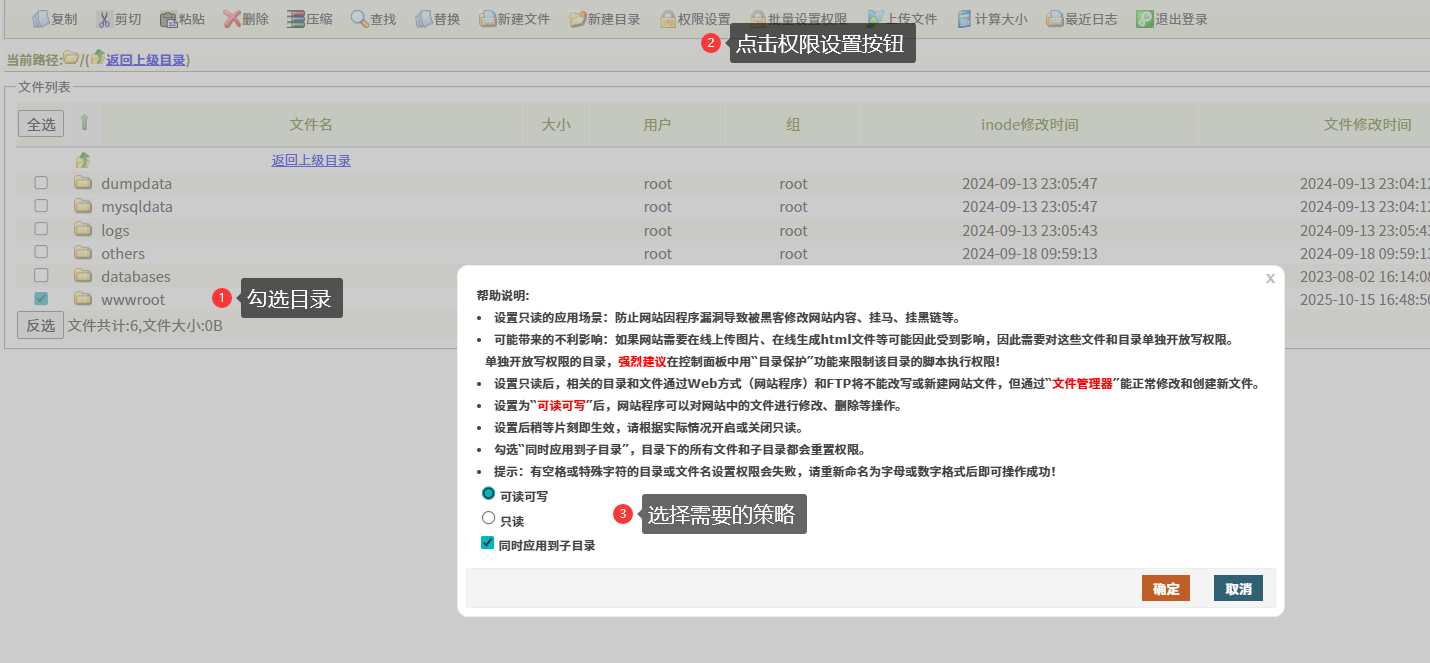
Directory Protection:
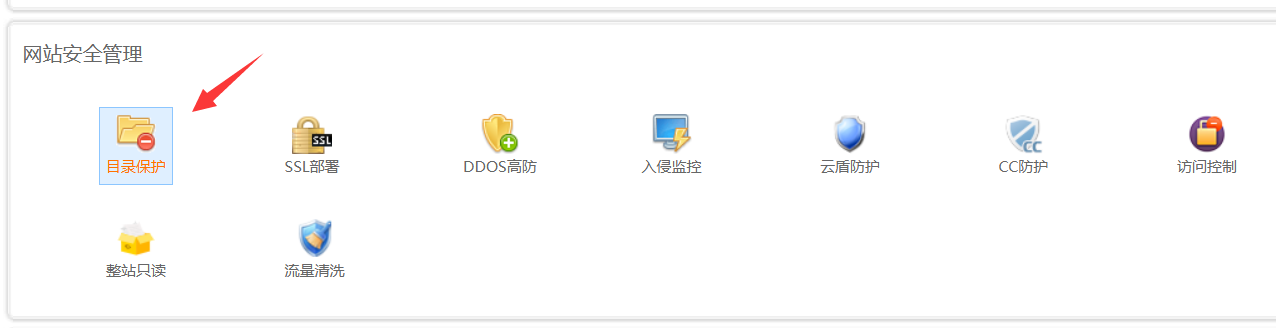
The protected directory has no script execution permission. Usually, the upload attachment directory is added for protection so that even if a Trojan is uploaded, it cannot be executed.
File Protection:
Supported on windows system hosts. Add the files that need to be protected. Once added, these files cannot be accessed directly, but website invocation is not affected. Generally add important files such as access databases, excel spreadsheet files, pdf, or compressed packages to prevent them from being downloaded via http requests.
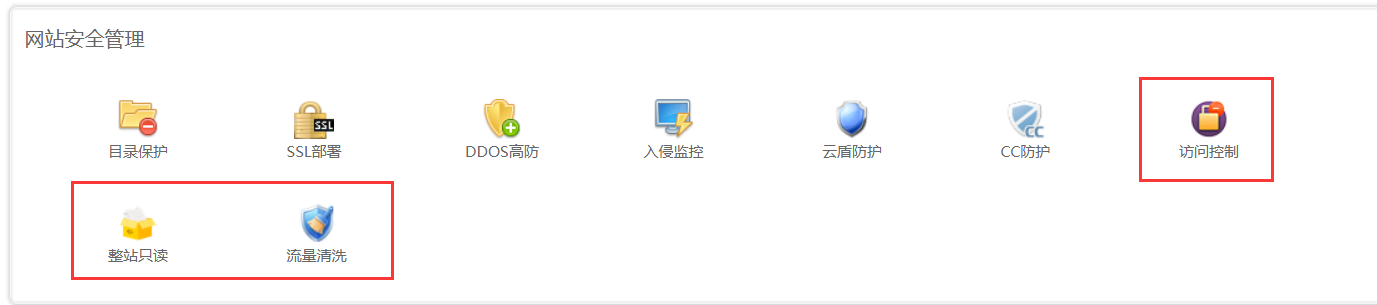
Access Control, Whole-Site Read-Only, Traffic Cleaning
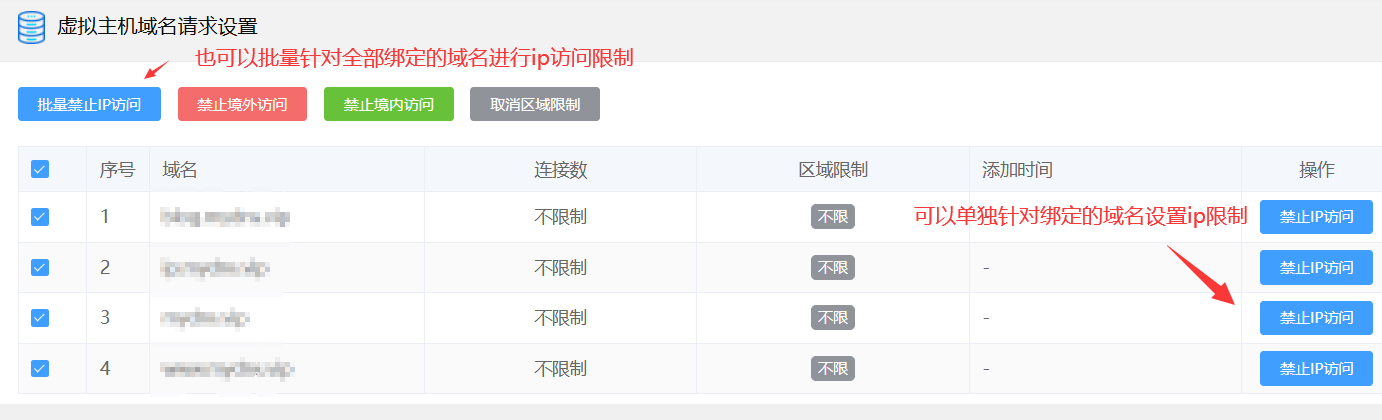
Access Control
Set IP access restrictions. You can set IP access restrictions separately for a specific bound domain name, or set IP access restrictions for all bound domain names. It supports blocking access from overseas or domestic.
Whole-Site Read-Only
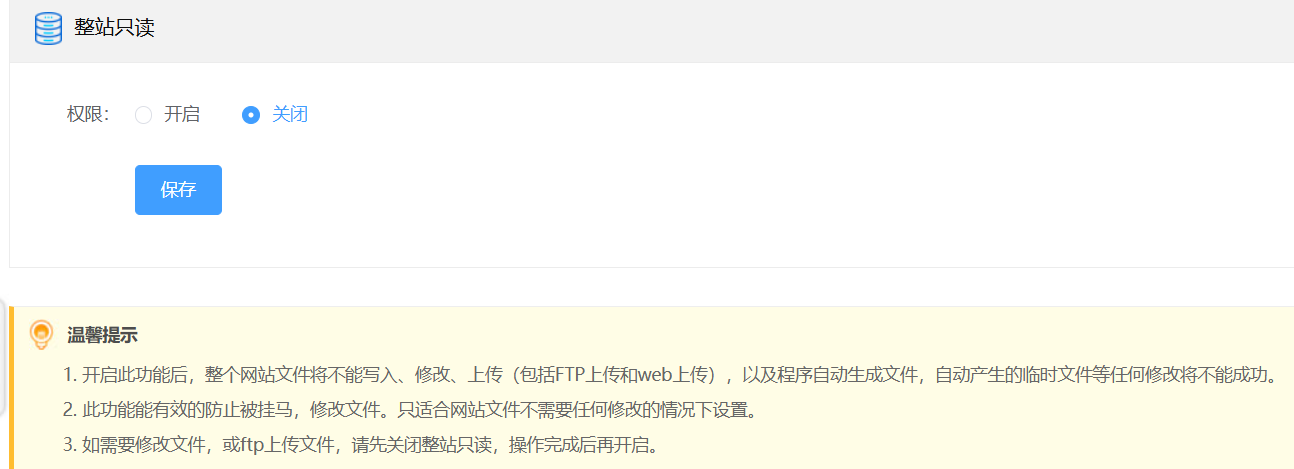
Set the website to read-only to restrict script writing and modification, enhancing website security. Static files are allowed.
Note: For programs such as thinkphp that need to update dynamic caches, do not enable this feature. It will cause the website's cache php files to be unable to be written and affect website access. For thinkphp websites, you can set the wwwroot directory to read-only through File Management, then enter the wwwroot directory and set the cache directory to allow writing separately.
Traffic Cleaning
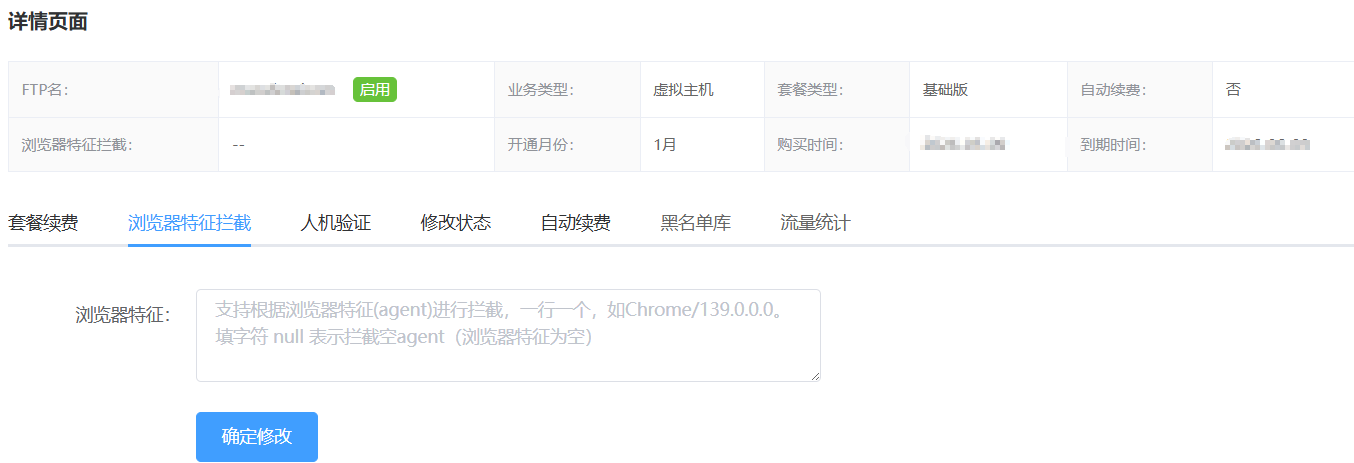
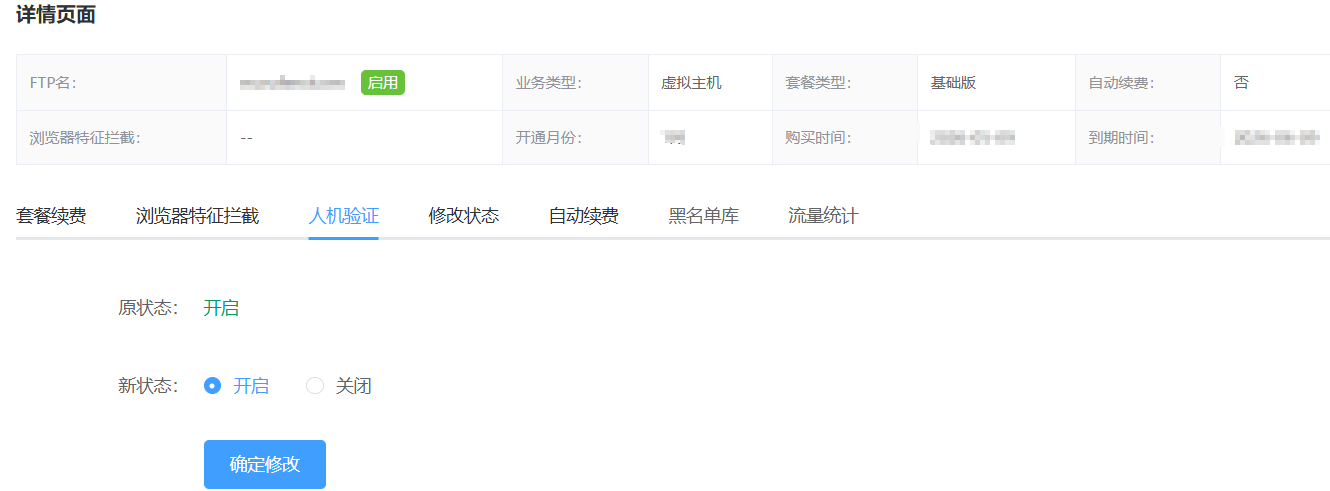
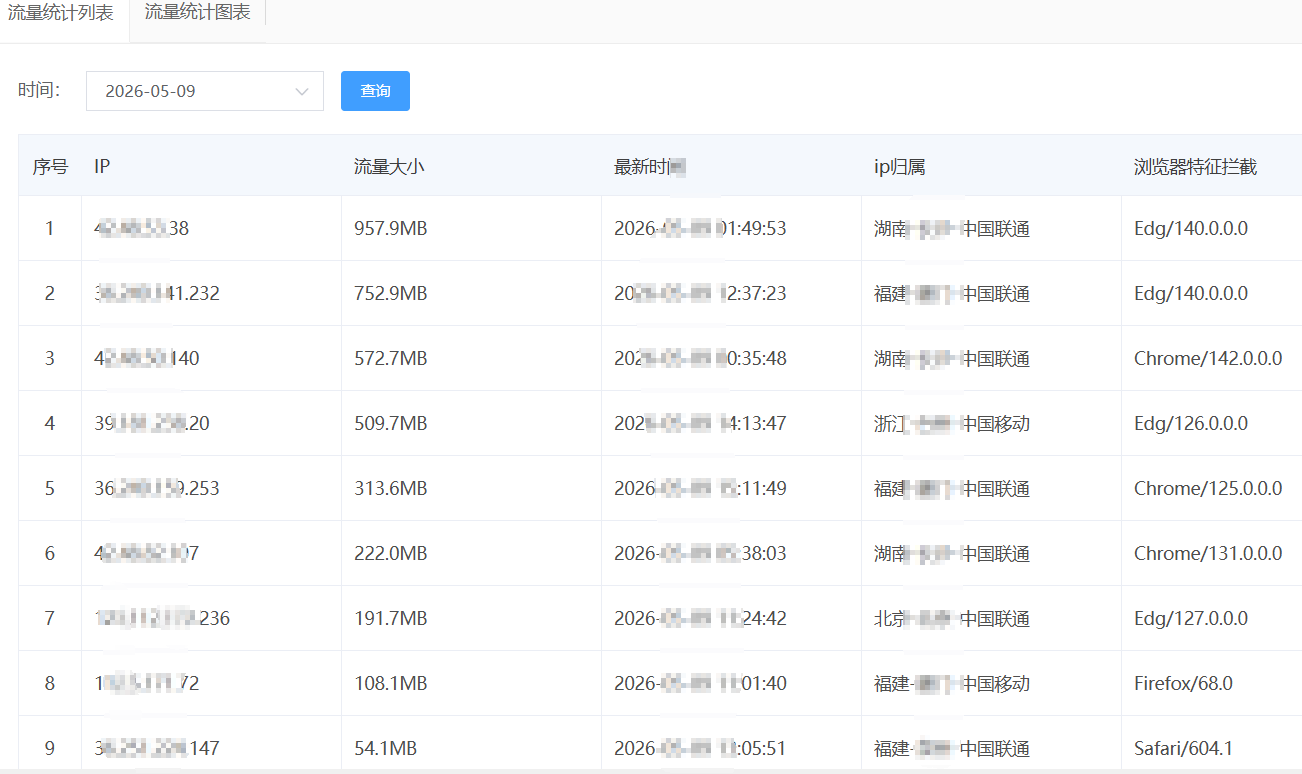
Traffic Cleaning is a feature that intercepts malicious access. It supports access pattern interception and human-machine verification, and also supports traffic statistics viewing. Traffic Cleaning is a paid service and needs to be purchased and activated.
Hotlink Protection
Hotlink protection is used to prevent malicious traffic consumption. After enabled, it can limit traffic consumption caused by hotlinking.
