
How to add QQ customer service and other customer service codes to a finished website.
Published: 2011-03-23
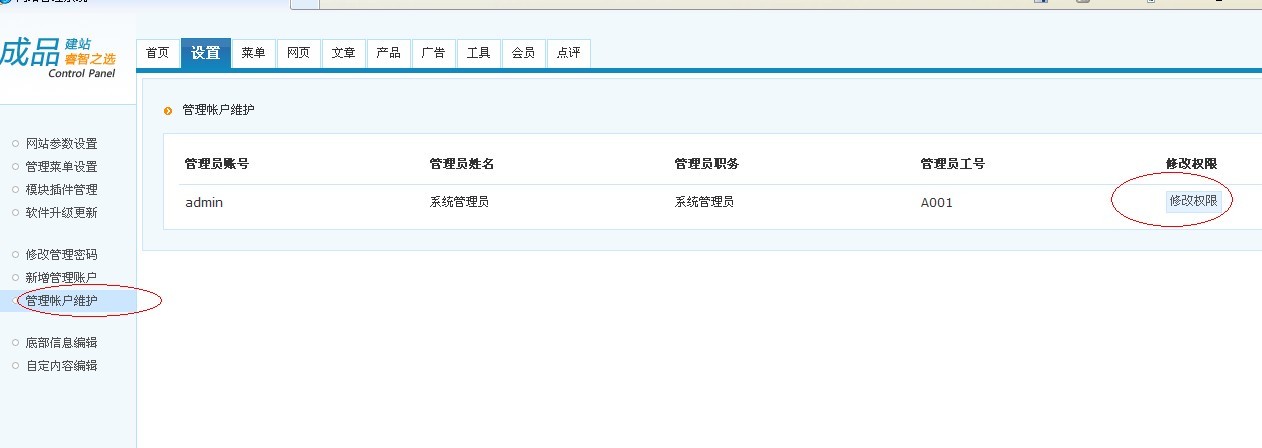
Step 1,Add corresponding permissions to your account. Go to Settings,Select "Manage Account Maintenance",Find the account and click Modify Permissions
Step 2:Add permissions to this account
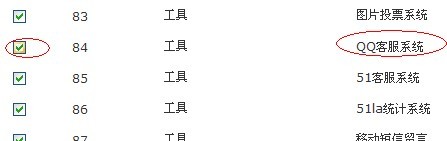
Step 3
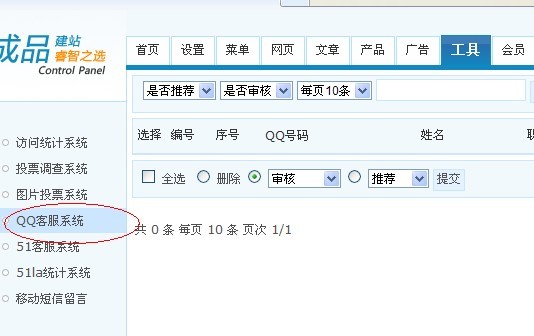
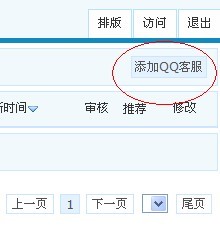
Add the QQ customer service code you applied for at Tencent. The code obtained here is the official code provided and has no special floating or moving functions. If you need special effects, you can add your own code here
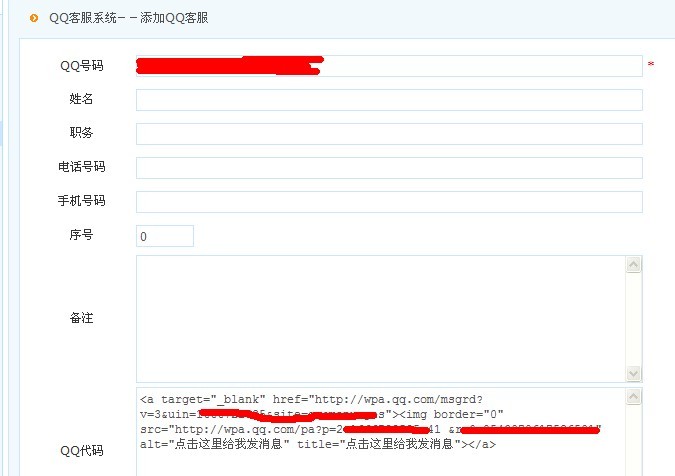
After saving, add the QQ customer service plugin on the webpage
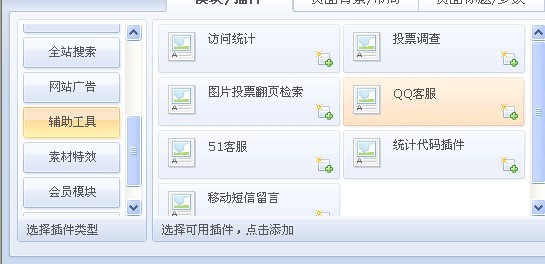
Drag it to a suitable position and then save, complete QQ customer service addition
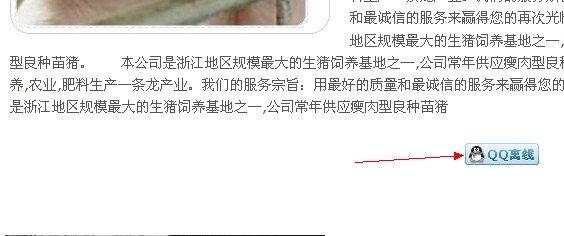
Other online consultations, custom code, etc. can be added to \wwwroot\base\templates\header.htm or foot.htm through the online editing function in File Management. If online consultation code with floating effects is added, the effect is shown in the figure below:
