
apache, iis rule settings for hotlink protection
Published: 2012-11-22
Hotlinking refers to resources such as images and videos on your own website, being referenced by other websites, which may cause abnormally high traffic on your own website.
The following measures can prevent hotlinking issues. When hotlink protection is enabled, if you directly send the link to an image or video on your own website to a customer, the customer cannot access it directly,
and the relevant images and videos will only be displayed when the website is accessed normally. Please use them according to your own business needs.
Related products: Abnormal Traffic Scrubbing Service Product Introduction
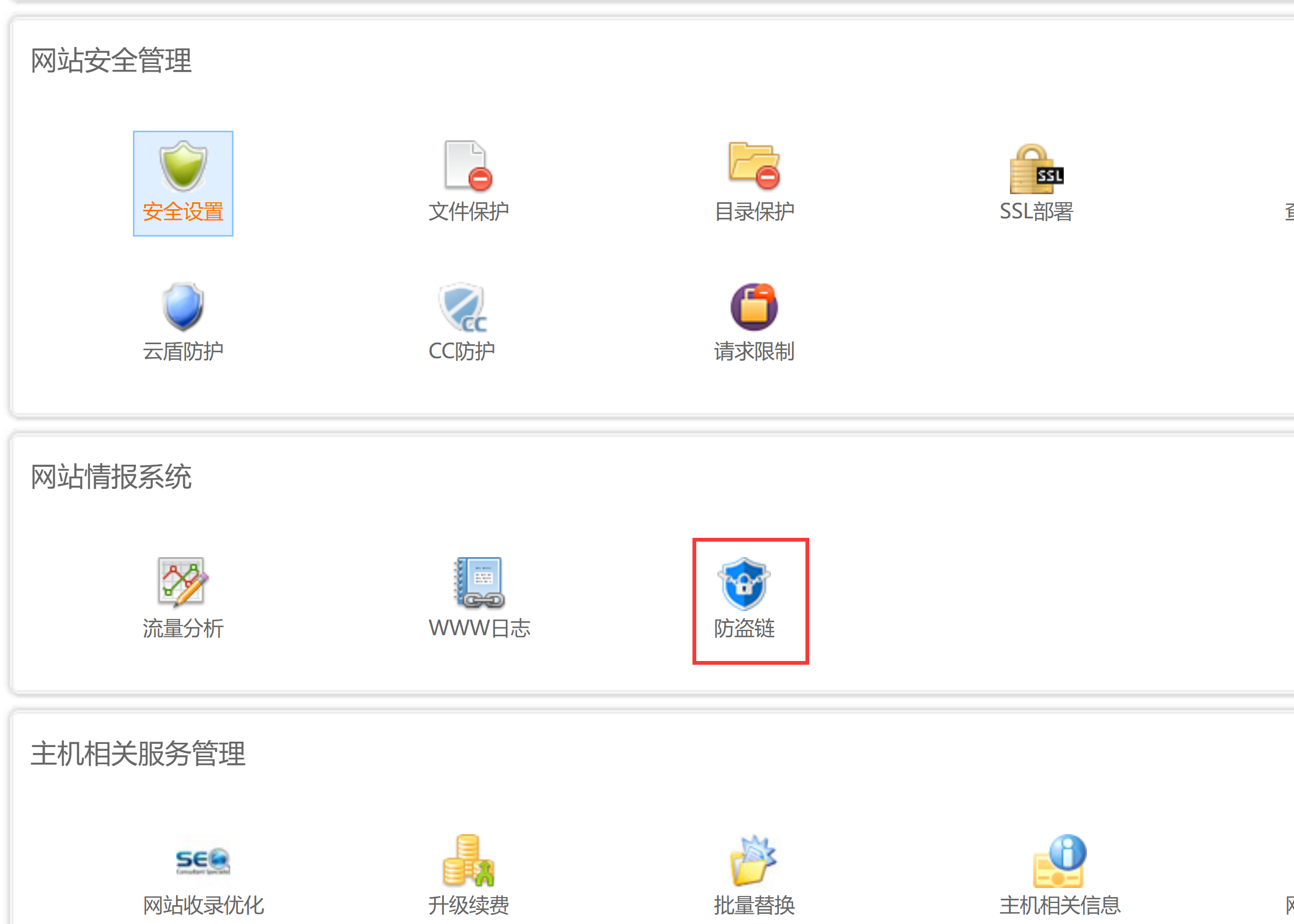
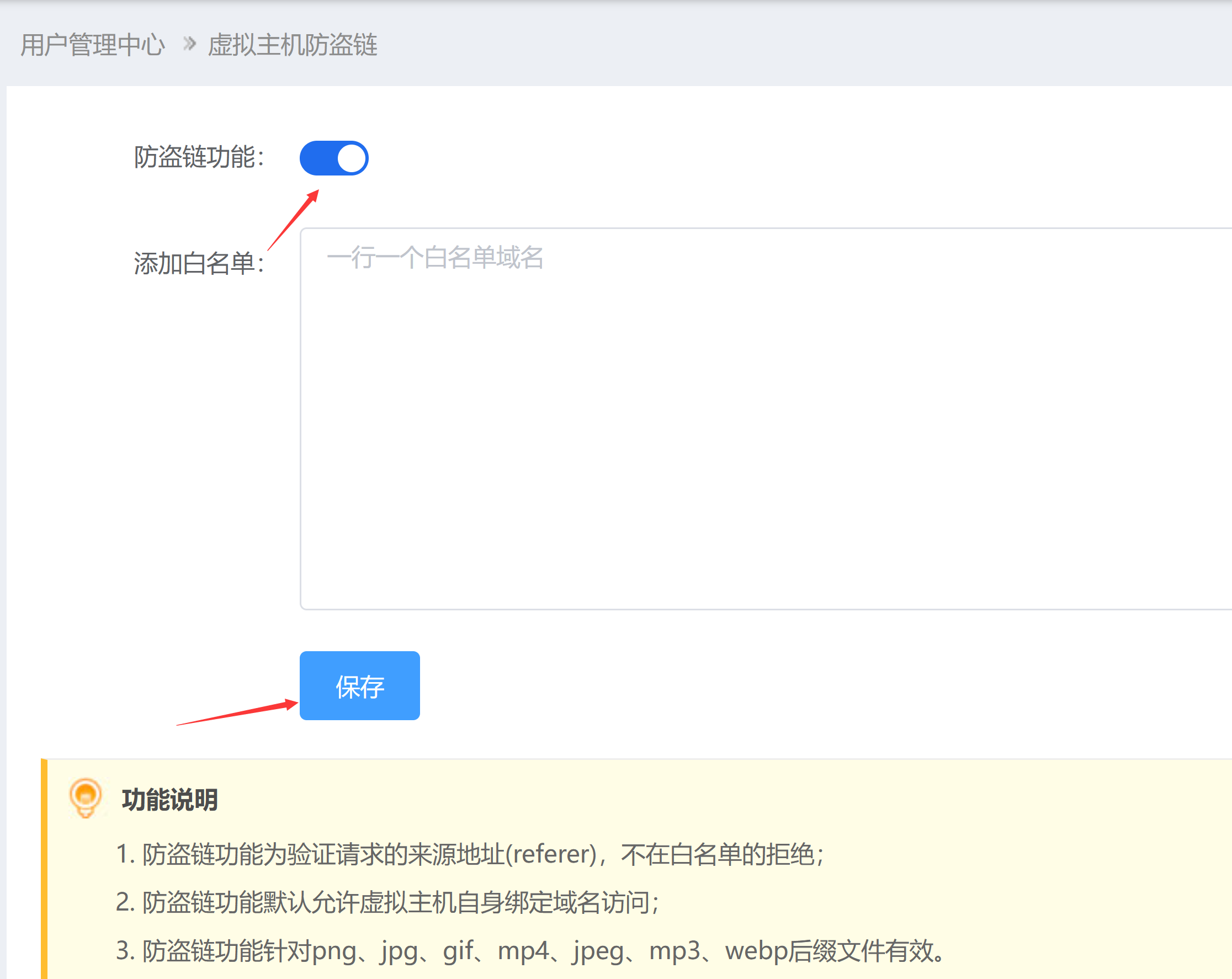
1. Directly enable the hotlink protection feature in the virtual hosting control panel (This function is a value-added service and can only be used by hosts whose domains are managed by our company. Transfer in now)
Apache and IIS block/restrict IP access (applicable to virtual hosting)
Apache and IIS rules to block and intercept spider crawling
Website Traffic Exceeding the Limit Troubleshooting Guide
If you need our company to help with the setup,please submit a ticket, and fees are charged at 100 yuan-200 yuan depending on the actual issue
Related products: Abnormal Traffic Scrubbing Service Product Introduction