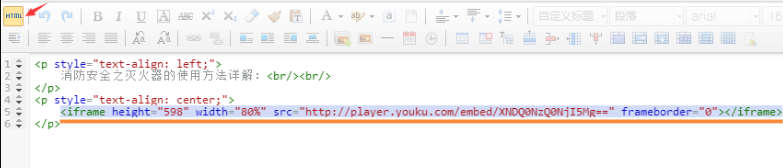
How to upload videos in 产品系统 and 文章系统 without purchasing value-added services?
Published: 2025-04-08
响站 supports inserting videos published on third-party platforms in the detail editor of the product system and article system after switching the rich text editor to 【HTML】 mode.
This can be done through the following steps: (taking youku优酷 video as an example)
1. First publish the video on youku, click 【Share】, and copy the universal code.
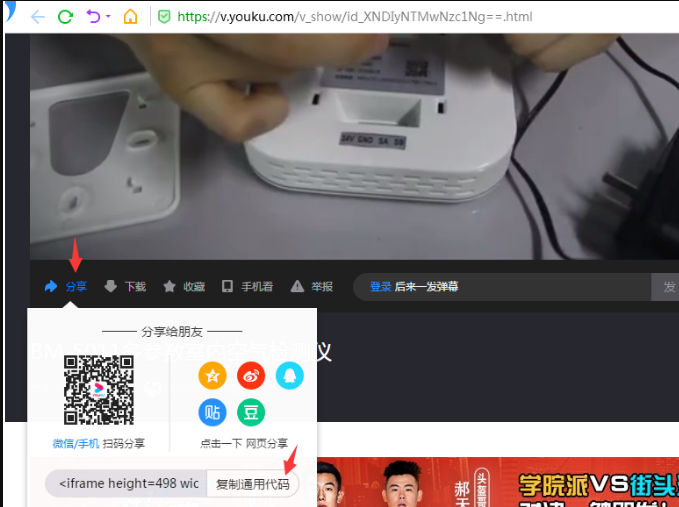
2. Return to the 响站 backend, open the corresponding product or news detail page, and switch the editor to 【HTML】 mode.
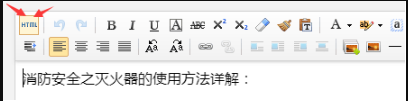
3. In 【HTML】 mode, paste the copied universal code at the desired display location, and modify the video display height and width in the code as needed -> Save.
(Width: width, Height: height; when setting the width value, it is recommended to use a percentage;)