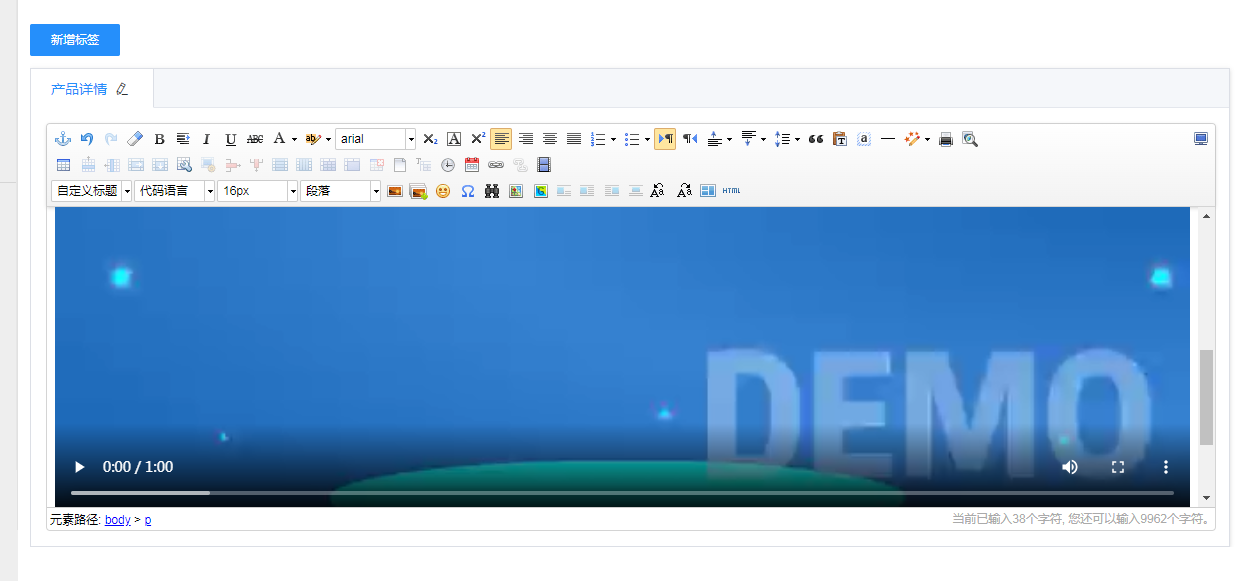
After purchasing the Local Video component, how do you upload videos in the product and article systems?
Published: 2025-04-08
If you have purchased the local video feature, you can upload local videos for display in the detail editing pages of the Product System and Article System.
You can do this by following these steps:
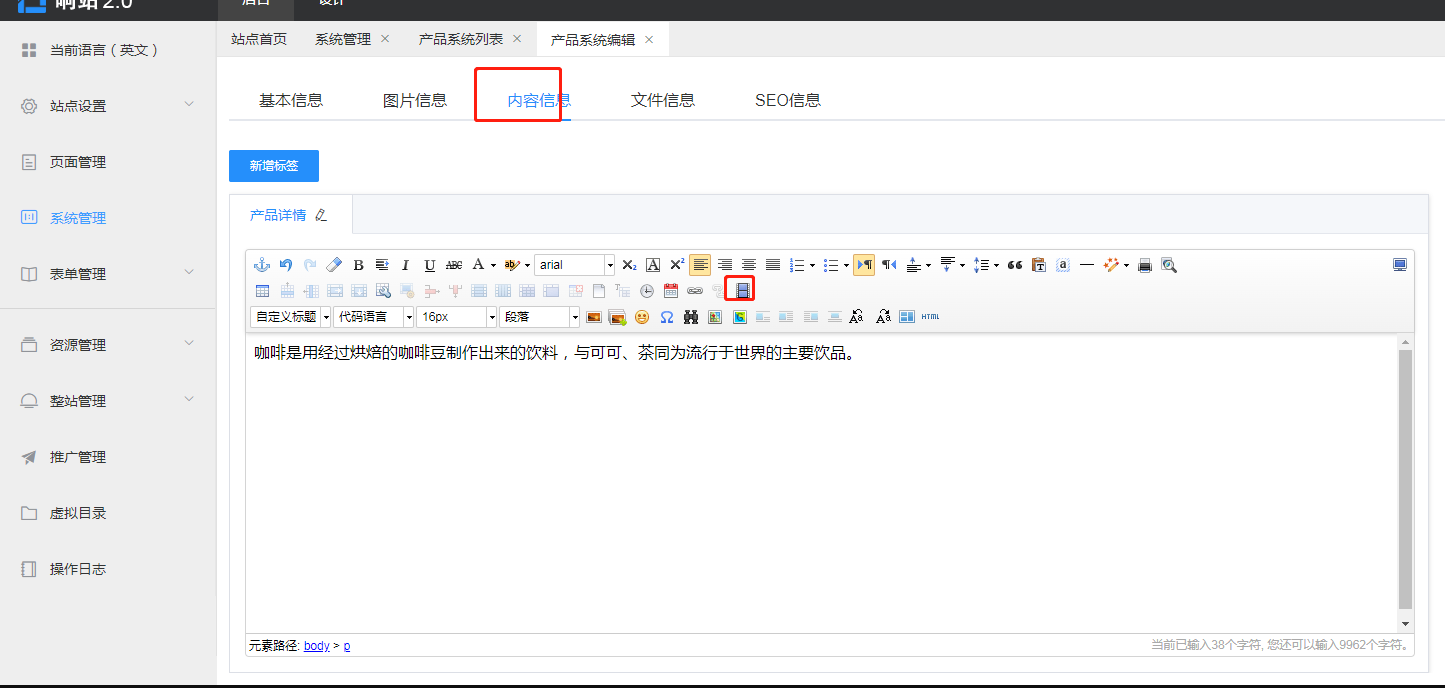
1. Click Publish or Edit on the product or article detail page, switch to Content Information, and click the video icon in the rich text (as shown below).
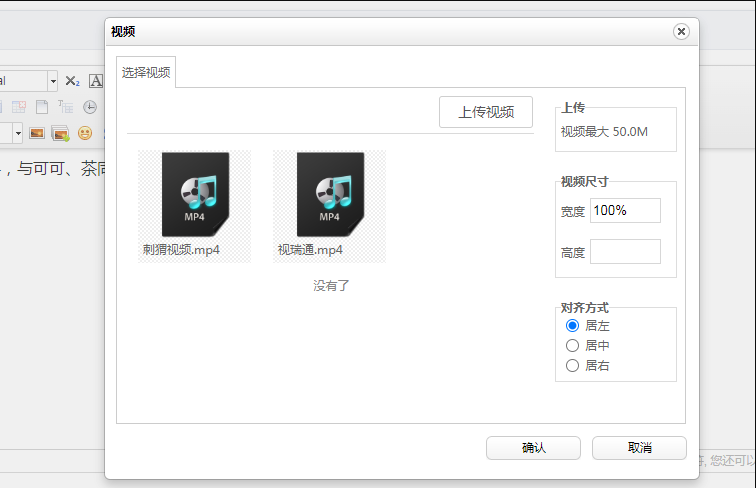
2. On the video selection page that appears, click Upload Video or select an existing video from the resource library, set its width, height, and alignment, then click Confirm.
3. After the upload is successful, the video will be displayed in the rich text area. If you need to modify the video settings, please delete the video and insert it again.